element-2
element-1

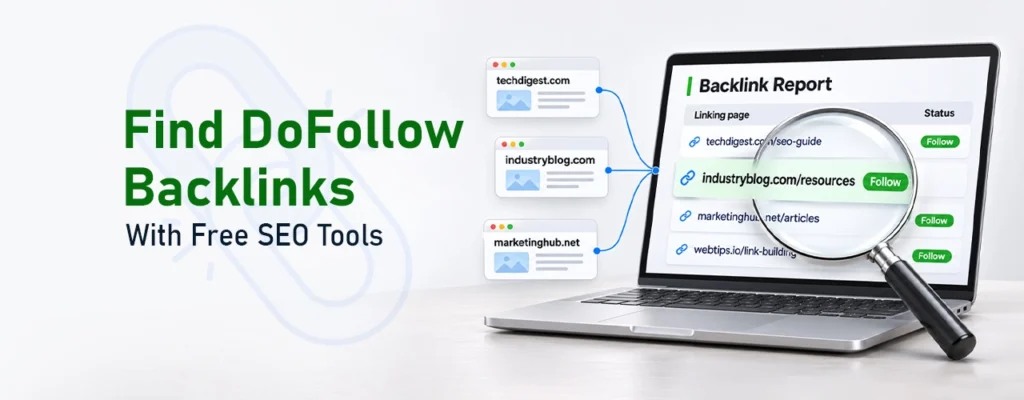
How to Find DoFollow Backlinks Using Free SEO Tools

how to find dofollow backlinks
Key Takeaway
  • Use free SEO tools to find existing backlinks and linking domains.
  • Check link attributes to separate DoFollow from NoFollow links.
  • Analyse competitors’ backlink profiles to discover new opportunities.
  • Review website relevance, link placement, and source quality.
  • Track new and lost backlinks to keep your link profile healthy.

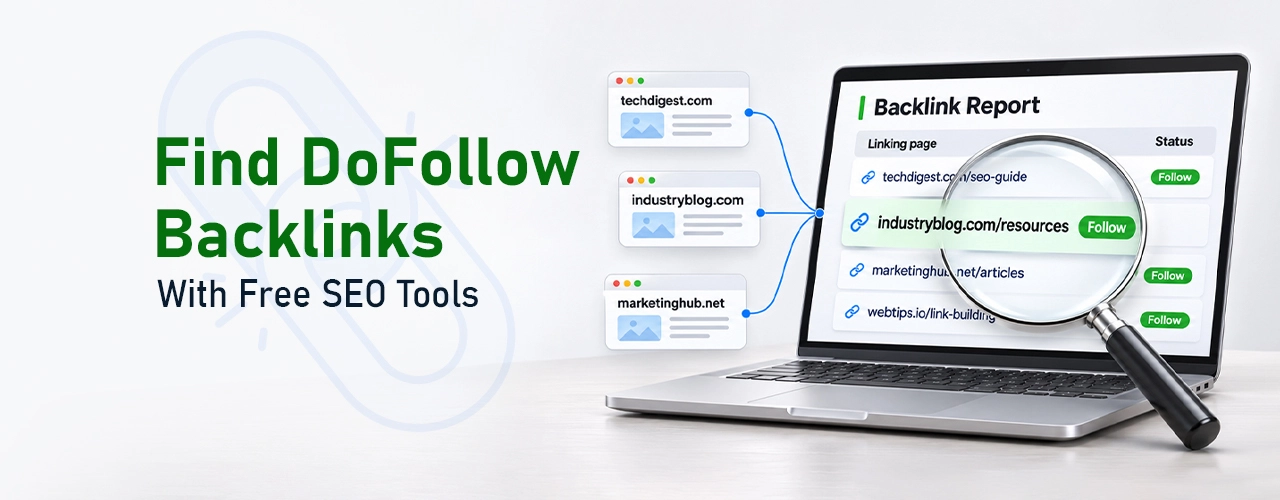
You can find DoFollow backlinks without spending anything at first. Google Search Console, Ahrefs, Semrush, and Moz are free SEO tools that make a good start. They list the websites linking to yours. That’s the first thing you need. You can also check your backlink profile, which is just the full list of links pointing to your site. Along the way, you may spot new websites to get links from.

It helps to know how to find DoFollow backlinks because not every link works the same way. Some links pass SEO value to your site, and others don’t. Google’s link best practices say links help Google find pages and understand what they are about. So a regular look at your backlink profile shows exactly how other websites connect to your content.

How to Find DoFollow Backlinks Without Paid SEO Tools

Website owners and digital marketers time and again ask how to find DoFollow backlinks, usually because they want better search visibility. The process is simple. Find the links pointing to your site. Check if each one is DoFollow or NoFollow. Then look at the websites those links come from.

Several free backlink checker tools make this job much easier. Some only show data about your own website. Others let you peek into competitor backlink profiles too.

1. Google Search Console

Owners can use Google Search Console for free to keep track of how their site performs on Google Search. It also gives you details about the external websites that link to yours.

Follow these steps:

  1. Go to Google Search Console and choose your website.
  2. Click “Links” on the left side.
  3. Find “External links.” You’ll see the sites that link to you.
  4. Click a site to see which of your pages it links to.
  5. Download the data if you want to review it later.

There is one catch, though. Google Search Console does not say whether a backlink is DoFollow or NoFollow. You must inspect each link on your own.

2. Ahrefs Free Backlink Checker

Ahrefs Backlink Checker works well for backlinks check online without paying a cent. Enter your website URL or domain into the search box. You will get a limited backlink overview with:

  • Total backlinks
  • Referring domains
  • Domain Rating (DR)
  • Selected backlink information

Want more detail? Ahrefs also gives a free account through Ahrefs Webmaster Tools. Once you verify ownership, Site Explorer reports open up for your website.

You can check competitor domains as well. It helps you find websites that could offer relevant link-building opportunities.

3. Semrush Free Backlink Checker

Semrush Backlink Analytics is a NoFollow and DoFollow backlink checker tool. You can also use it to compare the links of two websites, such as yours and a competitor’s.

It shows helpful details such as:

  • Total backlinks and referring domains
  • Authority Score
  • Dofollow backlink percentage
  • Nofollow link details
  • Top backlink sources

Enter a domain and go through the results. Watch the DoFollow percentage and the referring domains closely. This makes Semrush a great pick when you compare your profile with competitors. Free access is limited, though. Deeper research may need a paid subscription.

4. Moz Link Explorer

Link Explorer by Moz is a tool that lists the websites linking to you and shows how strong they are. Enter your website URL to get started. You’ll see details like these:

  • Linking domains
  • Inbound links
  • Domain Authority (DA)
  • Anchor text
  • Spam Score

Moz also spots possible backlink opportunities. It does this by showing which websites mention your competitors.

5. SEO Review Tools Backlink Checker

SEO Review Tools offers free SEO utilities for checking your backlink profile.

Enter a domain or URL and read the backlink details. Depending on the report, you may find linking pages, domains, and backlink quality.

It suits a quick review when a detailed report isn’t needed. Still, check important links by hand, as third-party tools can have incomplete backlink databases.

Your Competitors Are Building Backlinks. Are You?

Don’t let competitors outrank you. Build quality backlinks and boost your Google visibility.

How to Identify DoFollow Links from a Backlink Report

backlinks check online

Finding backlinks is just the first step. Next, you have to work out whether each link is DoFollow or NoFollow.

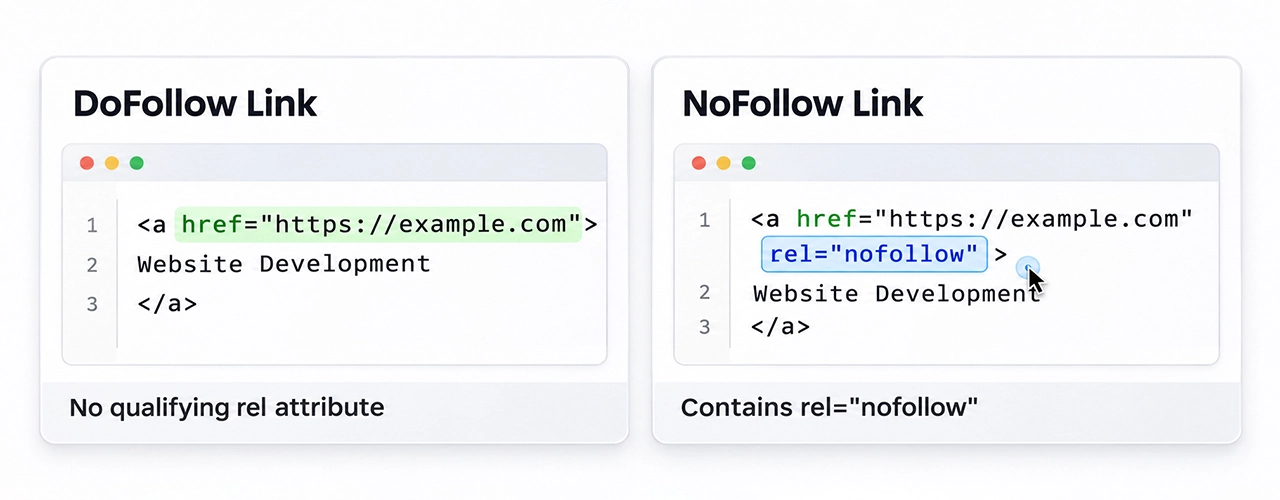
A standard link is usually a DoFollow link, and search engines follow it by default. You don’t have to add anything to make that happen. On the other hand, a NoFollow link contains the rel=”nofollow” attribute.

DoFollow link:

<a href=”https://example.com”>Website Development</a>

NoFollow link:

<a href=”https://example.com” rel=”nofollow”>Website Development</a>

To check a link manually:

  1. Start by opening the website where your backlink appears.
  2. Find the link that points to your site.
  3. Right-click the link and choose “Inspect.”
  4. Look through the code for the word “rel.”
  5. See if it says NoFollow, sponsored, or ugc.

No qualifying attribute? Then the link is usually treated as a regular one.

Google suggests using “sponsored” for paid links and “ugc” for links created by users, such as comments or forum posts.
How to Find Competitor Backlinks and Build a DoFollow Backlinks List

do follow backlinks list

Competitor backlinks are a shortcut to new link ideas.

Say a rival gets links from industry blogs or business directories. You can look at those same sites. A few of them might link to you too, so they’re worth checking.

Here is how to approach the research:

  1. Choose your competitors: Start with three to five competitors. They should be chasing the same keywords and the same customers you are.
  2. Check their backlinks: Ahrefs, Semrush, and Moz all let you study a competitor’s backlink profile.
  3. Find the overlap: Look for websites that link to more than one competitor. These are good ones to contact.
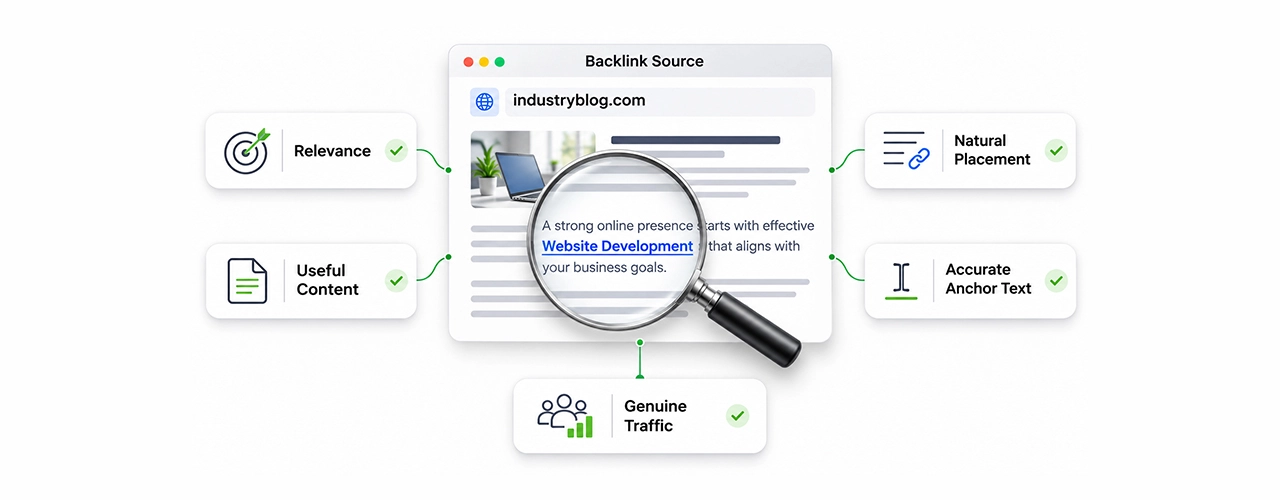
  4. Open the linking pages: Look at the pages that link to your competitors. Does each link sit naturally inside a relevant article, resource page, or industry discussion? Those are the sites worth your time.
  5. Save what you find: Save everything in a spreadsheet as you go. Note the website URL, linking page, anchor text, link attribute, and whether you’ve contacted the site yet.

This method builds a relevant Do Follow backlinks list. You avoid ending up with a pile of random websites.
What Should You Check Before Considering a Backlink Valuable?

Not every DoFollow backlink deserves your excitement. A link from an unrelated or low-quality site may add almost nothing for your business.

Before you call a backlink valuable, review these factors:

FactorWhat to Check
Website relevanceDoes the website cover topics related to your industry?
Domain qualityDoes it have a credible backlink profile?
Link placementIs the link naturally placed within useful content?
Anchor textDoes the clickable text describe the linked page accurately?
TrafficDoes the website attract genuine visitors?
Link statusIs the link active and free from unwanted attributes?

Don’t obsess over Domain Authority or Domain Rating either. They are third-party metrics. Google does not use them as direct ranking factors.

Google also warns against buying links to influence rankings. Too many link exchanges are a problem too, and so are automated link-building schemes. Google’s link spam policies list which practices can break its rules

Build a Stronger Backlink Profile with Regular Monitoring

Once you know how to find DoFollow backlinks, you see which websites reference your business. You also see where new opportunities hide. However, backlink research is not a one-time job.

A regular backlink review keeps small problems from turning into big ones. Look at which links are new, which ones have disappeared, and whether the anchor text has changed. Strange linking patterns deserve a closer look. Then compare your numbers with your competitors to spot the gaps in your link-building strategy.

TechHaz works with businesses that want to be found online. We know how much search engine optimization and digital marketing affect a business’s online presence. Our solutions are practical, and every one is built around performance. The goal is simple: better visibility and steady growth.

Get in touch with us to find the right SEO solutions for your business.

FAQ's

How can I check whether a backlink is DoFollow?

Open the link’s HTML code and search for the rel attribute. A DoFollow backlink checker is another way to see the same details.

Not every free backlink checker shows the same thing. Google Search Console covers your own site and is completely free. Ahrefs, Moz, and Semrush give a small preview, then ask you to upgrade.

Yes, you can. Tools like Ahrefs and Semrush let you do a backlink check online. Type in your domain, and you’ll see the backlink data they make available.

A good link from a trusted, relevant site can add to your ranking signals. However, no single backlink promises better rankings. That’s worth remembering before you chase any one link.

Start with your competitors’ backlink profiles. Then check industry publications, resource pages, and relevant business websites. Good link building opportunities usually show up in these places.